![Aspira-Horizontal-Reversed.png]](https://kb.campgroundmanager.com/hs-fs/hubfs/Aspira-Horizontal-Reversed.png?height=40&name=Aspira-Horizontal-Reversed.png)
Assigning clerks to post recurring charges
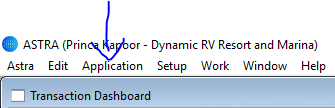
Click on “Application” – Admin – App Security – Users
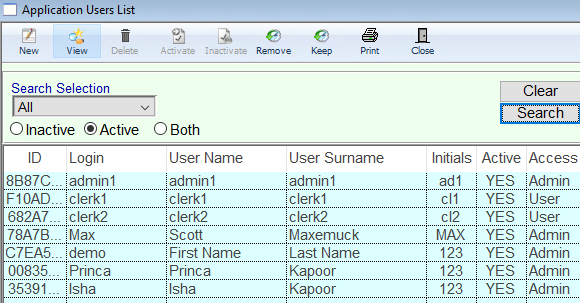
Double Click on the User you want to assign this case to.
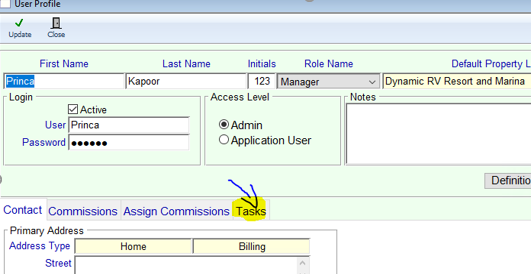
Click on Tasks tab
Bring over by double clicking “Prompt to process recurring charges” to the right
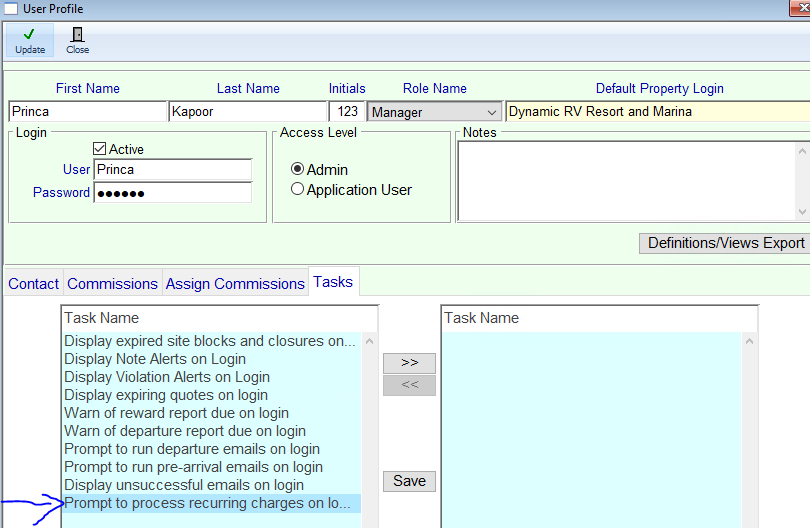
Press “Save” and click on “Update”.

A message will pop up when this user logs in to the software.