![Aspira-Horizontal-Reversed.png]](https://kb.campgroundmanager.com/hs-fs/hubfs/Aspira-Horizontal-Reversed.png?height=40&name=Aspira-Horizontal-Reversed.png)
To find Clerk Id:
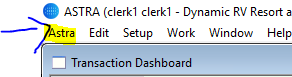
Click on Astra and then User
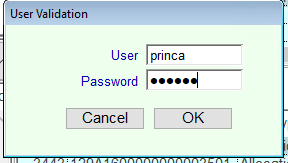
Enter in your credentials and press OK
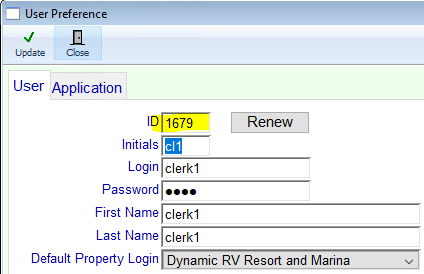
Clerks ID will be shown as highlighted below. To assign that clerk a new ID, If you are an admin you can click on the RENEW button to generate a new one. For clerks, you will have to keep the auto generated ID. Only Admins can create a custom ID.